Overview
What is Vero ERP?
Vero ERP is an ERP system for Sri Lankan businesses, built and supported by Ants Creation. It connects finance, inventory, procurement and production in one system, so stock, purchasing and management reporting work from the same records instead of spreadsheets reconciled at month end.
Each module — finance and accounting, inventory control, procurement, production planning, fixed assets and management reporting — can be implemented on its own and added to as the business grows. Most organisations start with the modules that solve their most expensive problem, often inventory, purchasing and reporting, and extend into production and finance in later phases.
Vero ERP is configured to your workflow, with role-based access, approval chains and an audit trail of every change. It is built and maintained by our own engineering team rather than resold from a third party, so configuration, integration and support come from the people who know the product.
What does Vero ERP include?
Screens
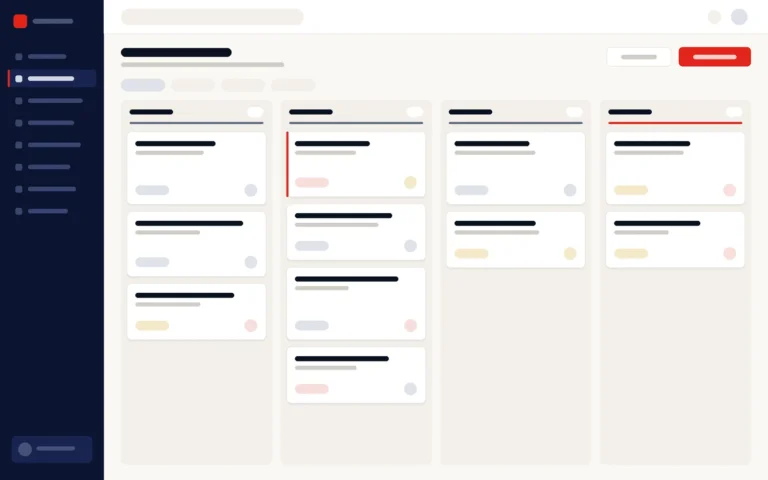
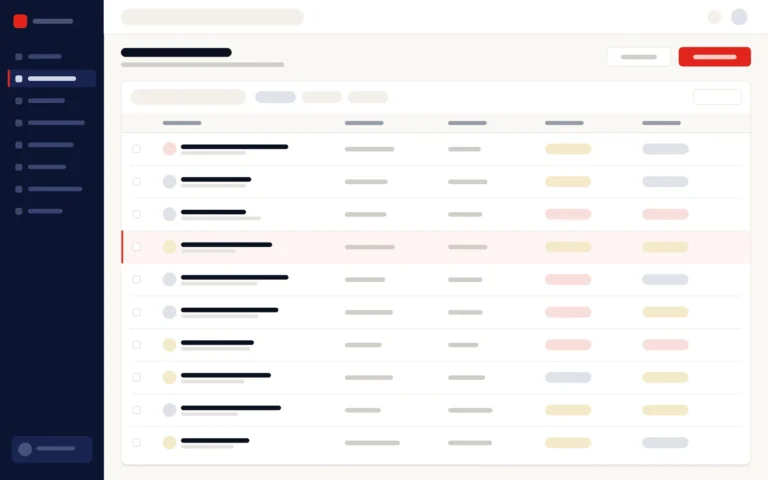
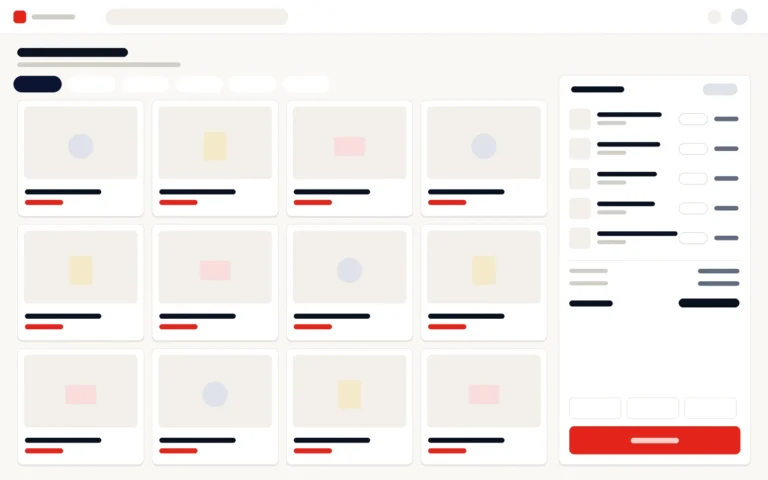
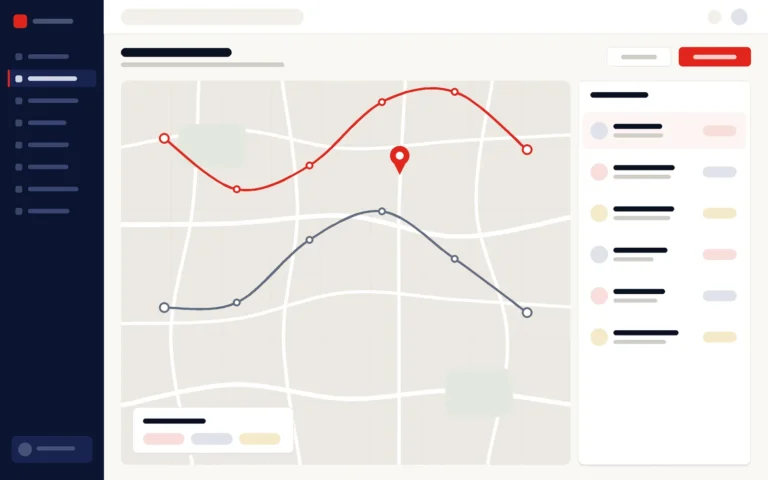
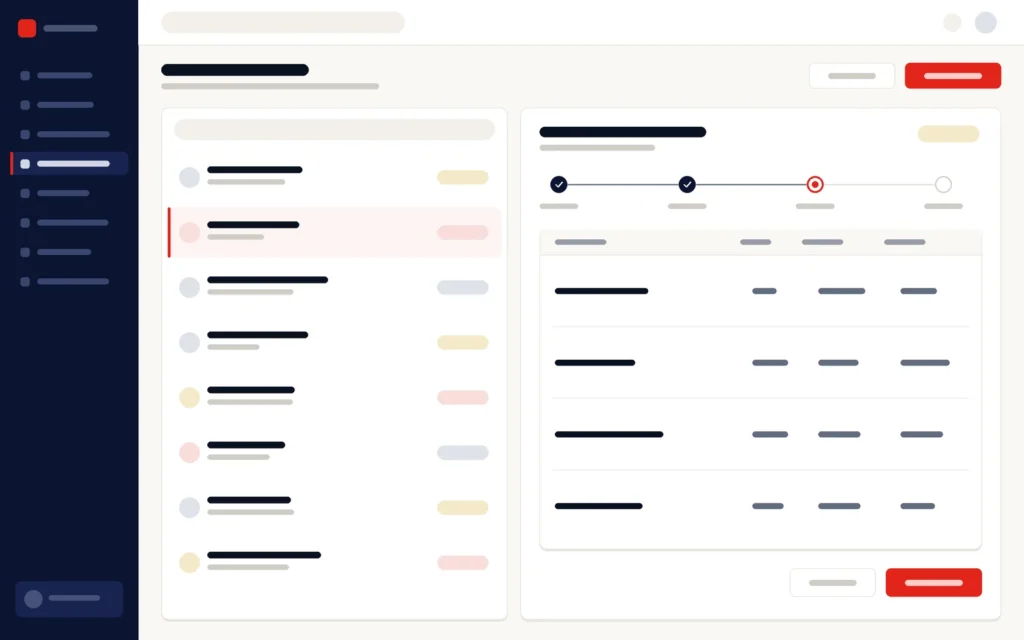
What does Vero ERP look like?
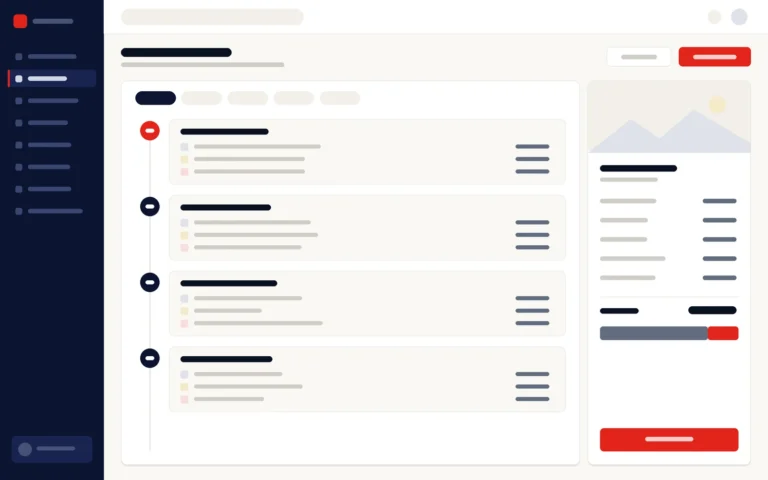
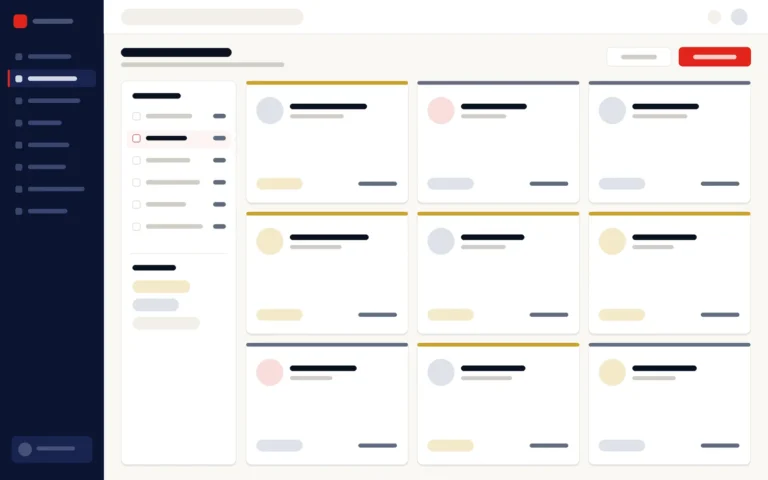
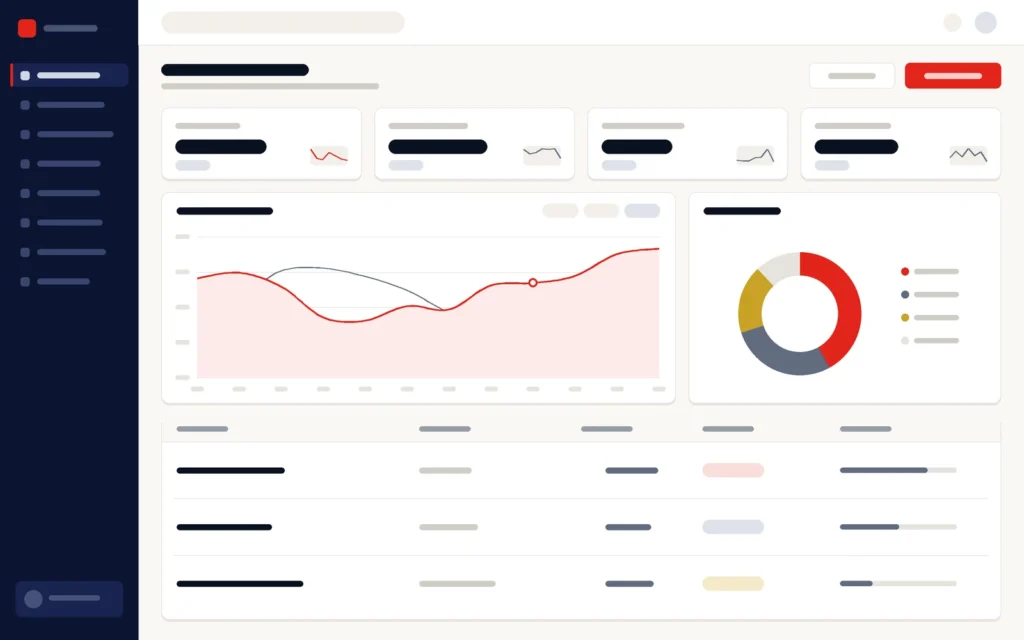
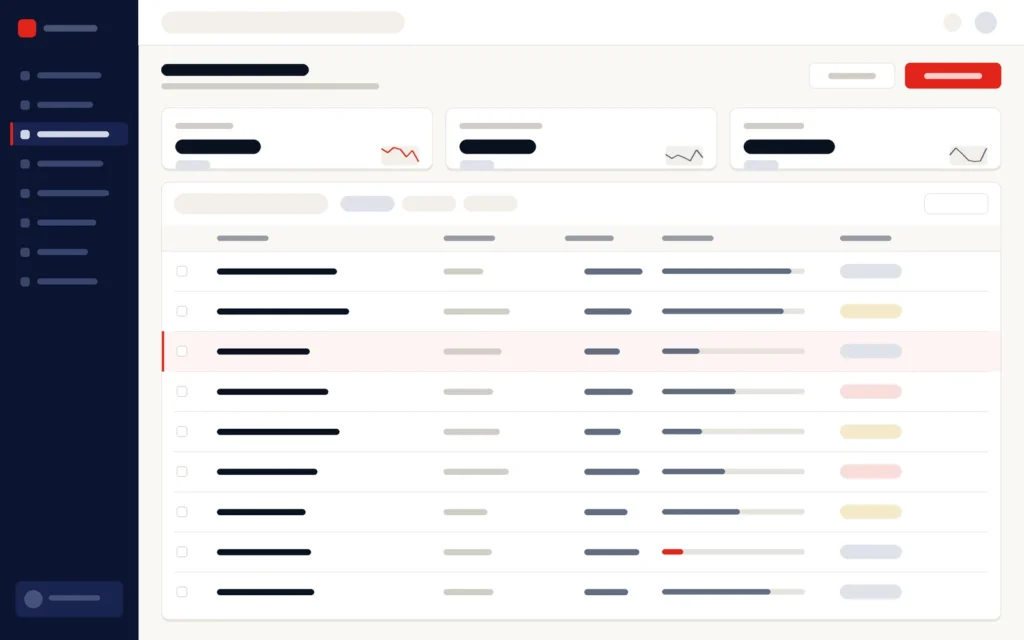
Illustrations of the main screens. Book a demo to see the system itself.
Who it is for
Who is Vero ERP built for?
How implementation works
How does a Vero ERP implementation work?
01
Discovery
Stock, purchasing, production and reporting processes mapped, with the decisions that depend on them.
02
Configuration
Modules, roles, approval chains and reports configured to your workflow.
03
Data migration
Item masters, suppliers, opening stock and balances cleansed, mapped and reconciled.
04
Pilot & training
One site or department goes live first, with hands-on training for each role.
05
Rollout & support
Further modules and locations follow in stages, then ongoing maintenance and support.
Why Ants Creation
Why choose Vero ERP?
Since 2011, Ants Creation has completed 700+ projects for 400+ clients in Sri Lanka and abroad.
Integrations
Which accounting software does Vero ERP connect to?
Vero ERP integrates with Microsoft Dynamics, Odoo, QuickBooks and Tally, and can be customised to work with other accounting packages if required. It also issues VAT invoices itself, so you can run finance in Vero ERP’s own finance and accounting module or keep your current accounting package alongside it.
Connects to:
- Microsoft Dynamics
- Odoo
- QuickBooks
- Tally
- Other accounting packages, customised if required
Which connection you need, and what passes between the systems, is agreed during discovery and built by Ants Creation’s own engineers. An online store or a point of sale, such as Vero POS & Inventory, can be connected in the same way, set up per project.
Common questions
Vero ERP: frequently asked questions
What does an ERP system do?
An ERP system connects a business’s core operations — finance, inventory, purchasing, production and reporting — in one system with shared records, so departments stop re-entering data and managers report from one source. Our guide What is an ERP system? explains more.
Can we see a demo of Vero ERP?
Yes. Ants Creation gives live demos of Vero ERP on request, online or in person. Tell us which areas matter most to you, such as inventory, procurement, production or finance, so the demo covers them. Book through the enquiry form, or call or WhatsApp our web and software team on 077 282 0498.
Can we start with only some Vero ERP modules?
Yes. Each Vero ERP module, from finance and accounting to inventory control, procurement, production planning, fixed assets and management reporting, can be implemented on its own. Most organisations begin with the modules that address their biggest problem, often inventory, purchasing and reporting, and add production, fixed assets or finance in later phases agreed in the project plan.
How long does a Vero ERP implementation take?
It depends on the modules, locations and data involved, so the timeline is agreed after discovery rather than quoted in advance. The plan is phased: one site or department goes live first, with hands-on training for each role, so the system proves itself before the wider rollout, and further modules and locations follow in stages.
Is Vero ERP different from accounting software?
Yes. Accounting software records the financial result; Vero ERP also runs the operations behind it, such as stock, purchasing, production and approvals, and includes finance and accounting as one of its modules. If you prefer to keep your accounting package, Vero ERP can connect to Microsoft Dynamics, Odoo, QuickBooks or Tally, and can be customised for others.
Can our existing data be moved into Vero ERP?
Yes. Item masters, supplier and customer records, opening stock and balances are cleansed, mapped and migrated by Ants Creation’s team, with reconciliation checks before go-live, so the opening figures in Vero ERP match your old records. Tell us during discovery which systems or spreadsheets hold the data today, and the migration is planned around them.
Can Vero ERP connect to our other systems?
Yes. Vero ERP integrates with Microsoft Dynamics, Odoo, QuickBooks and Tally, and can be customised to work with other accounting packages. Integrations with other systems, such as an online store or a point of sale like Vero POS & Inventory, are scoped during discovery and built by Ants Creation’s own engineers, set up per project.
Is Vero ERP cloud-based or on-premise?
Both. Vero ERP can run in the cloud or on your own servers, and the choice is agreed during discovery, based on your locations, connectivity and IT policy. Either way, it is configured, supported and maintained by Ants Creation’s own engineers, and you can export your business data at any time, whichever licence model you choose.
Does Vero ERP issue VAT invoices?
Yes. Vero ERP issues VAT invoices, so invoicing runs in the same system as your stock, purchasing and production. If you keep your accounts in Microsoft Dynamics, Odoo, QuickBooks or Tally, Vero ERP can connect to it, and it can be customised to work with other accounting packages if required, agreed during discovery.
How is Vero ERP licensed?
Vero ERP is offered as a one-time licence or as a subscription, depending on the project. It is priced per module and per project, so it is quoted after discovery, once the modules and scope you need are clear, and the quotation is free. Whichever model you choose, you can export your business data from Vero ERP at any time.
What training is included with Vero ERP?
Training is part of every Vero ERP implementation, with hands-on training for each role when the first site or department goes live. It is usually delivered online, with recorded sessions your team can return to later. Training at your premises can also be arranged, depending on your requirements and what is agreed. The format is confirmed in the proposal.
What support does Vero ERP have after go-live?
Every Vero ERP project includes a six-month bug-fixing warranty after go-live. After that, ongoing support and maintenance continue under a service level agreement (SLA) or an annual maintenance agreement, with the fees and scope agreed separately. Support comes from Ants Creation’s own engineers, who build and maintain Vero ERP, so it never passes through a reseller.