Overview
What is a POS and inventory system?
A POS (point of sale) and inventory system runs checkout at the counter and keeps stock up to date with every sale. Vero POS & Inventory is built and supported by Ants Creation for single and multi-outlet businesses in Sri Lanka, with real-time stock across locations, so head office and the shop floor always work from the same numbers.
Each terminal has a cashier layout for its kind of counter — grocery, pharmacy, FMCG or printing shop — and works with barcode scanners, receipt printers and cash drawers. Checkout keeps working offline, and the same system manages pricing and promotions, supplier orders and goods received notes, transfers between outlets and stock takes.
Because purchasing, stock and sales share one record, reorder decisions come from live figures, and cash is reconciled against what the tills actually recorded.
Multi-outlet businesses gain the most: transfers between branches, central price lists and promotions, and one view of stock and sales across every outlet, while each counter keeps serving customers at its own pace.
What does Vero POS & Inventory include?
Screens
What does Vero POS & Inventory look like?
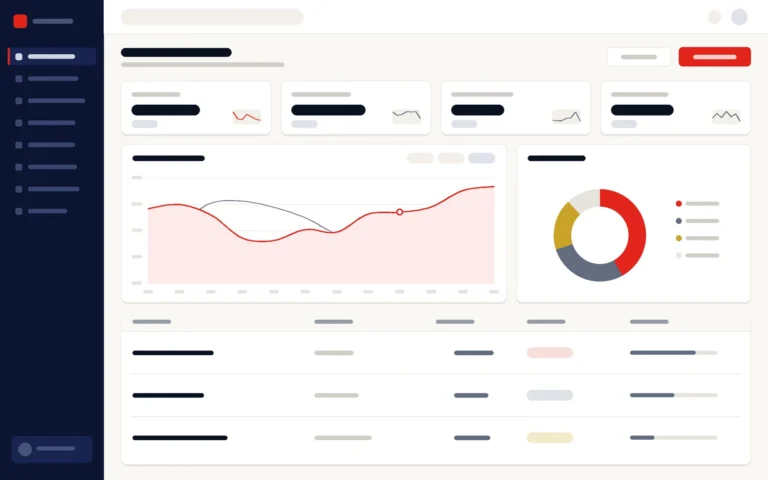
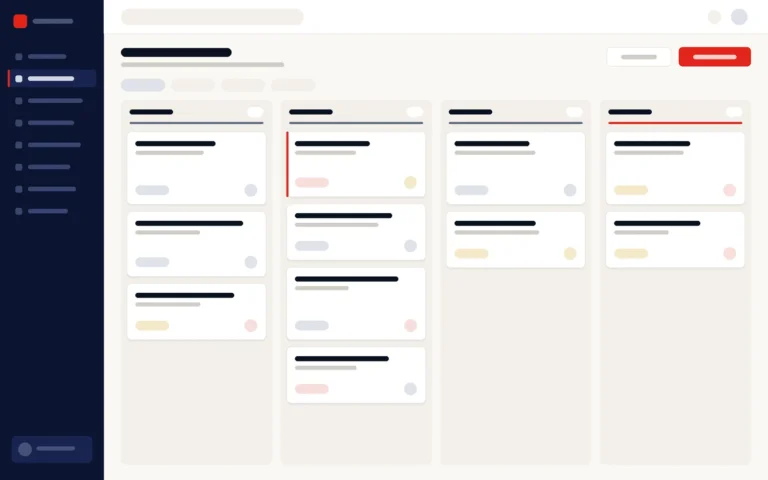
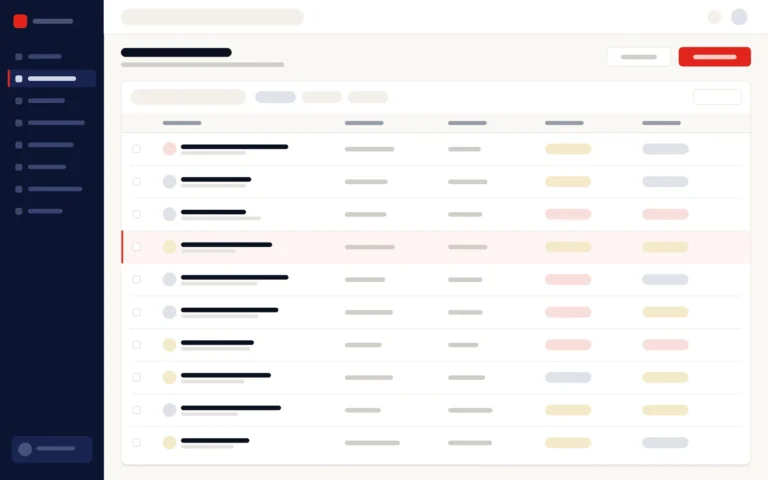
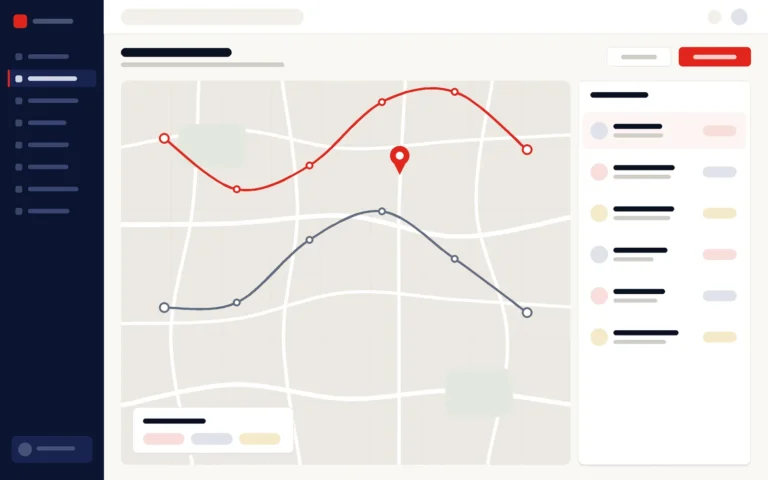
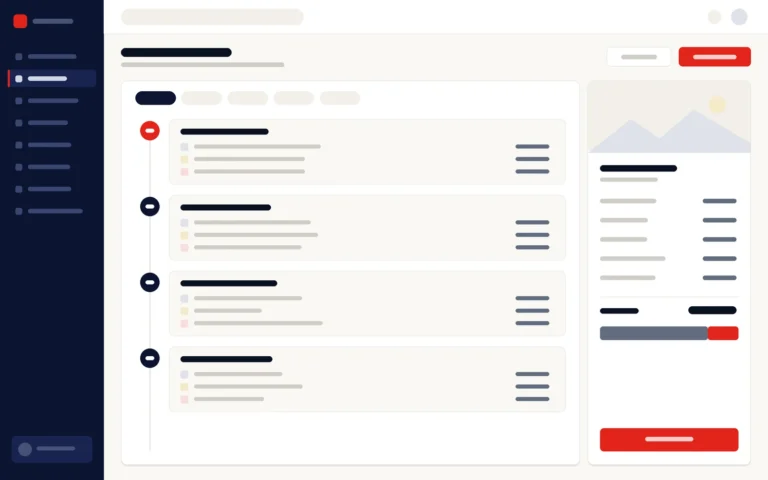
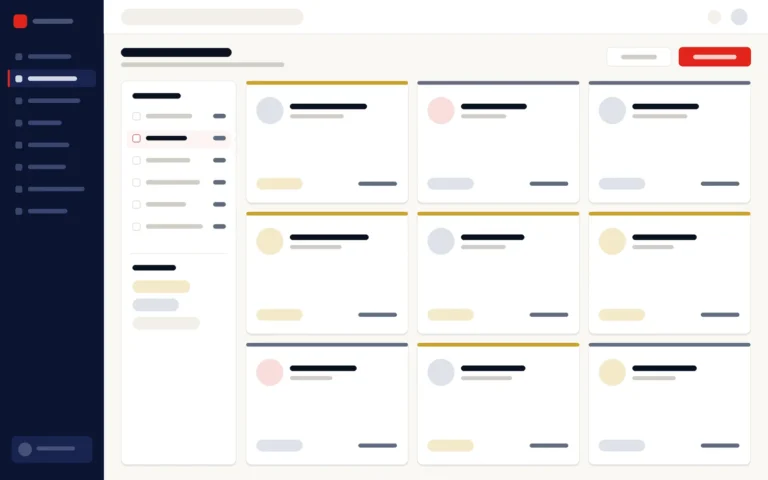
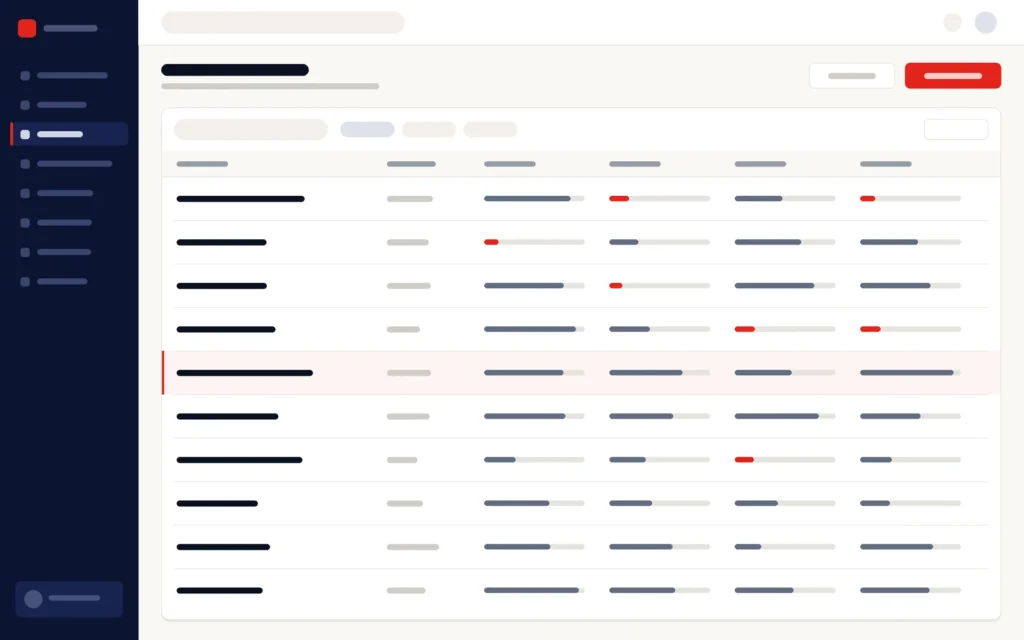
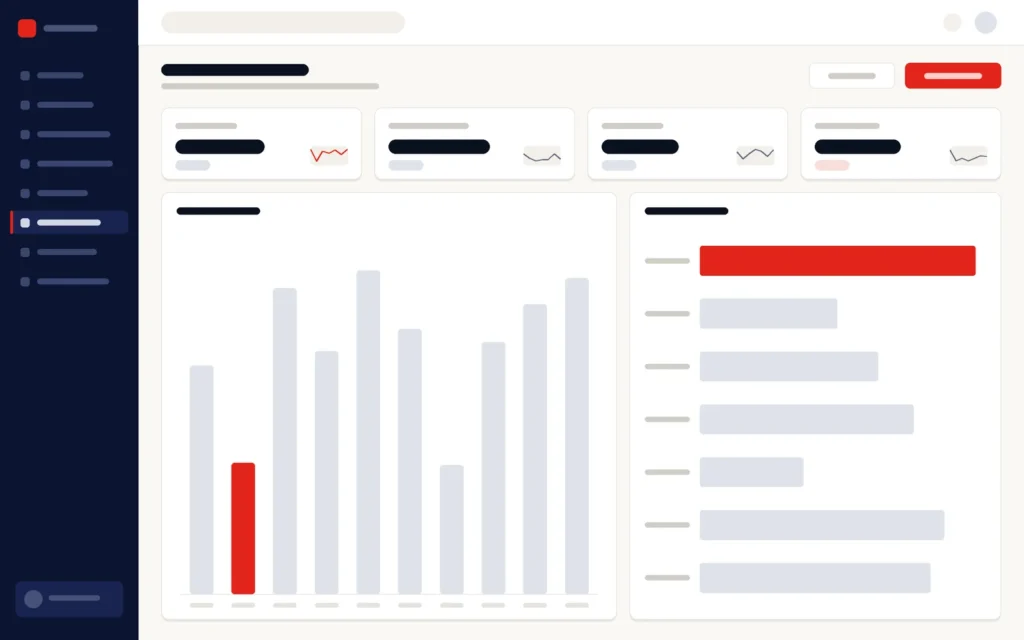
Illustrations of the main screens.

Who it is for
Who is Vero POS & Inventory built for?
How implementation works
How does a Vero POS rollout work?
01
Discovery
Outlets, product ranges, pricing, payment types and reports mapped.
02
Configuration
Products, price lists, promotions, users and tills set up.
03
Data migration
Item lists, opening stock and suppliers loaded and checked by outlet.
04
Pilot & training
One outlet goes live first, with cashier and manager training.
05
Rollout & support
Remaining outlets follow, then ongoing support.
Why Ants Creation
Why choose Vero POS & Inventory?
Since 2011, Ants Creation has completed 700+ projects for 400+ clients in Sri Lanka and abroad.
Hardware
What hardware does Vero POS & Inventory support?
Vero POS & Inventory works with barcode scanners, receipt printers, cash drawers, weighing scales and card terminals. Customers can buy this hardware from Ants Creation together with the system, or tell us during discovery which equipment they already have.
Barcode scanners
Scan items at the counter, so each sale takes its price from the price list and updates stock as it is made.
Receipt printers
Print a receipt for every sale from the terminal, with the outlet, cashier and payment recorded in the system.
Cash drawers
Cash drawers work with each terminal, and every cashier’s takings are reconciled at shift handover.
Weighing scales
Weighing scales are supported at the counter for items sold by weight.
Card terminals
Card terminals are supported, so card payments are recorded with the sale and reconciled with the till.
Features
What does Vero POS & Inventory handle at the counter?
Besides checkout and real-time stock across outlets, Vero POS & Inventory tracks stock by batch and expiry date, sells weighed items through weighing scales, takes card payments through card terminals and issues both VAT and non-VAT invoices in the gazette-approved format. Each is set up for your kind of counter during configuration.
- Batch and expiry tracking
- Weighing scales for items sold by weight
- Card payments through card terminals
- VAT and non-VAT invoices in the gazette-approved format
- Checkout that keeps working offline
- Cashier layouts for grocery, pharmacy, FMCG and printing-shop counters
Common questions
Vero POS & Inventory: frequently asked questions
What is a POS system?
A POS (point of sale) system records sales at the counter, including items, prices, discounts and payments, and, when it includes inventory, updates stock with every sale so you always know what is on the shelf. Vero POS & Inventory does both for Sri Lankan shops, from a single counter to several outlets.
Can one POS system run several outlets?
Yes. Vero POS & Inventory is built for multi-outlet retail: each outlet has its own terminals and stock, while head office sees live stock and sales across all of them, manages transfers between outlets and sets central price lists and promotions. Sales can be reported by outlet, product, hour, cashier and category.
Does Vero POS & Inventory manage purchasing as well?
Yes. Supplier orders, goods received notes and returns are recorded in the same system, so stock updates as goods arrive, and batch and expiry tracking is available for the stock that needs it. Reorder decisions then come from live stock figures across your outlets rather than from a separate purchasing spreadsheet.
Does Vero POS & Inventory work with barcode scanners, receipt printers and cash drawers?
Yes. Vero POS & Inventory terminals work with barcode scanners, receipt printers and cash drawers, and also support weighing scales and card terminals for card payments. Customers can buy this hardware from Ants Creation together with the system, or tell us during discovery which equipment they already have.
Does Vero POS & Inventory keep working if the internet goes down?
Yes. Checkout keeps working offline, so the counter can keep selling when the connection drops, and sales update the central stock once the connection returns. Offline working is part of the multi-outlet terminal module, alongside barcode scanners, receipt printers, cash drawers and shift handover, so each outlet keeps serving customers at its own pace.
Are there layouts for different types of shop?
Yes. Vero POS & Inventory has cashier layouts for grocery, pharmacy, FMCG and printing-shop counters, so each business sells from a screen suited to how it works: fast scanning of large baskets in a grocery, wide product ranges in a pharmacy, or copies, prints and binding billed quickly at a printing-shop counter.
Can we run promotions and loyalty?
Yes. Price lists, discounts, loyalty and campaign pricing are part of Vero POS & Inventory’s pricing and promotions module. In a multi-outlet business, price lists and promotions can be set centrally and applied across outlets, and sales can be reported by outlet, product, hour, cashier and category to see what sells.
Can Vero POS & Inventory connect to our online store or ERP?
Yes, as part of the project. Integrations, such as an online store, are scoped during discovery and built by Ants Creation’s own engineers. For finance, production and fixed assets beyond the shop floor, Vero ERP can be connected to it, set up per project, and our e-commerce team builds stores that sync stock with it.
How do stock takes work?
Stock takes are recorded in Vero POS & Inventory outlet by outlet, so counted stock can be compared with the system figure and corrected. Because sales, transfers between outlets and goods received notes update stock in real time, the system figure reflects every recorded movement up to the count, and head office sees the corrected stock across all outlets.
Can cashiers hand over shifts cleanly?
Yes. Shift handover and till reconciliation are part of the terminal and cash management modules, so each cashier’s takings are accounted for. Cash, card and other payment types are reconciled against the sales each till recorded, and sales are reported by cashier, so a difference can be traced to a shift rather than to the whole day.
Is Vero POS & Inventory cloud-based or on-premise?
Both. Vero POS & Inventory can run in the cloud or on your own servers, and the choice is agreed during discovery, based on your outlets, connectivity and IT policy. Either way, checkout keeps working offline when the connection drops, and you can export your sales, stock and other business data at any time.
Does Vero POS & Inventory track batches, expiry dates and weighed items?
Yes. Vero POS & Inventory tracks stock by batch and expiry date, and supports weighing scales at the counter for items sold by weight. Both run in the same system as checkout, purchasing and goods received notes, so stock figures update with every sale and every delivery across all your outlets.
Does Vero POS & Inventory issue VAT invoices and take card payments?
Yes. Vero POS & Inventory issues both VAT and non-VAT invoices, in the format approved by government gazette, and takes card payments through supported card terminals, which customers can buy from Ants Creation. Card, cash and other payment types are reconciled against each till’s recorded sales, so every cashier’s takings are accounted for at shift handover.
How is Vero POS & Inventory licensed?
Vero POS & Inventory is offered as a one-time licence or as a subscription, depending on the project. It is priced per module and per project, and quoted free of charge after discovery, once your outlets, terminals and any hardware you want to buy from us are clear. You can export your sales, stock and other business data at any time.
How are cashiers and managers trained on Vero POS?
Training for Vero POS & Inventory is usually delivered online, with recorded sessions that new cashiers can watch when they join. During the rollout, one outlet goes live first, with cashier and manager training, before the remaining outlets follow. The training format for your project is confirmed in the proposal, so you know what is included.
What support follows a Vero POS & Inventory rollout?
Every Vero POS & Inventory project includes a six-month bug-fixing warranty after go-live. After that, ongoing support and maintenance continue under a service level agreement (SLA) or an annual maintenance agreement, with fees and scope agreed separately. Support comes from Ants Creation’s own team, which builds the system and can also supply the counter hardware.