Overview
What is Vero HRM?
Vero HRM is an HRM and payroll system for Sri Lankan organisations, built and supported by Ants Creation. It keeps employee records, attendance, leave and payroll in one system, so HR and finance work from the same data instead of reconciling spreadsheets every month.
Attendance and approved leave flow into the payroll run, so salaries, allowances, deductions and overtime are calculated from the record rather than re-keyed. EPF and ETF contributions and APIT deductions are calculated from the same payroll data, and employees see their own payslips and leave balances online.
Access is role-based: managers approve leave for their teams, and payroll staff see what payroll needs. Every change is recorded, and the system is configured to your shifts, leave types and pay structure during implementation.
For organisations that also need finance, inventory or sales systems, Vero HRM belongs to the Vero family, with Vero ERP and Vero CRM, all built and supported by the same team. Vero products can be connected to one another, set up as part of the project.
What does Vero HRM include?
Screens
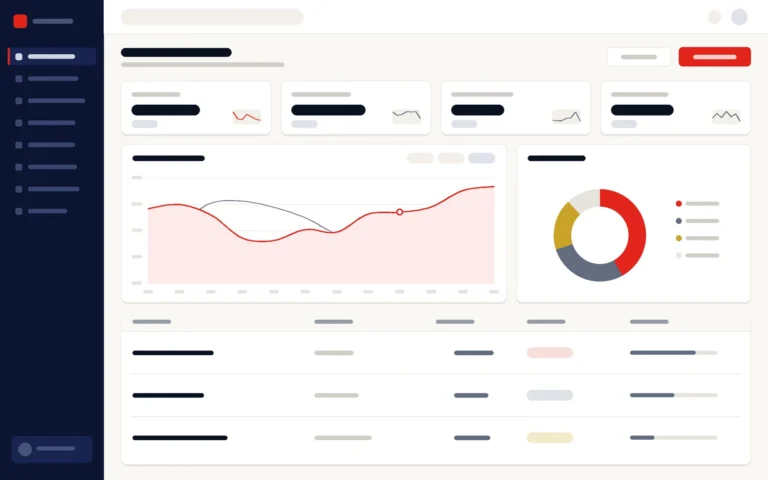
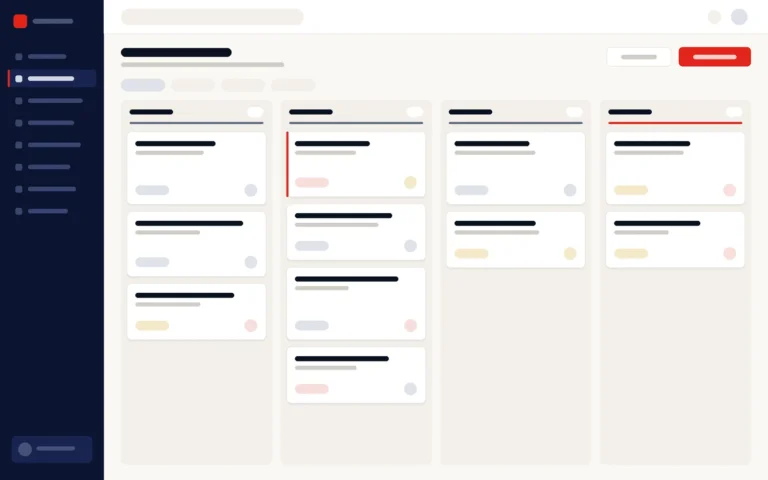
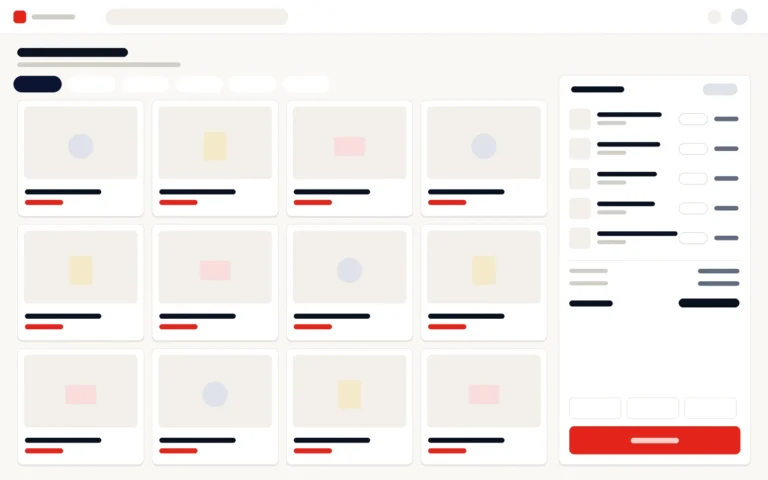
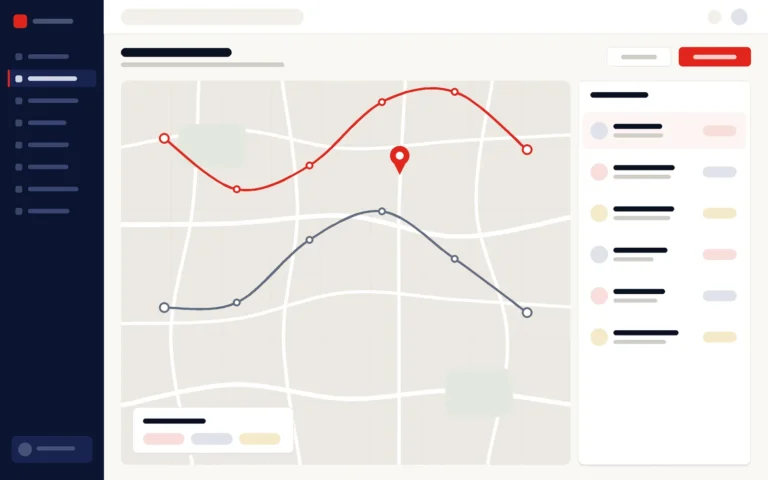
What does Vero HRM look like?
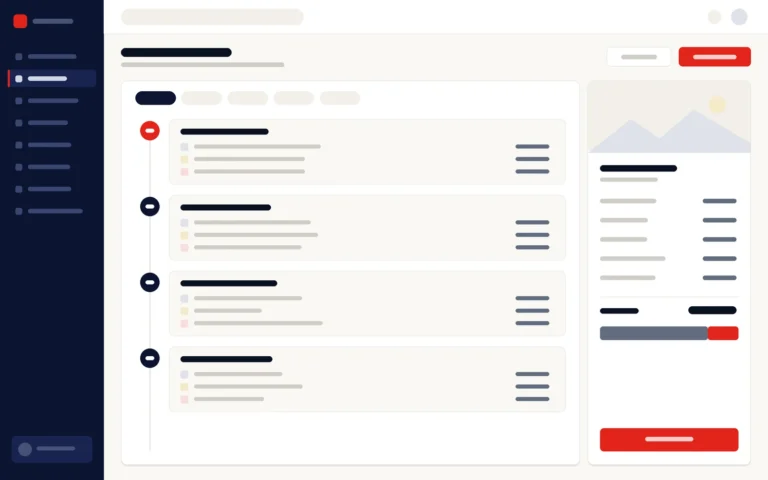
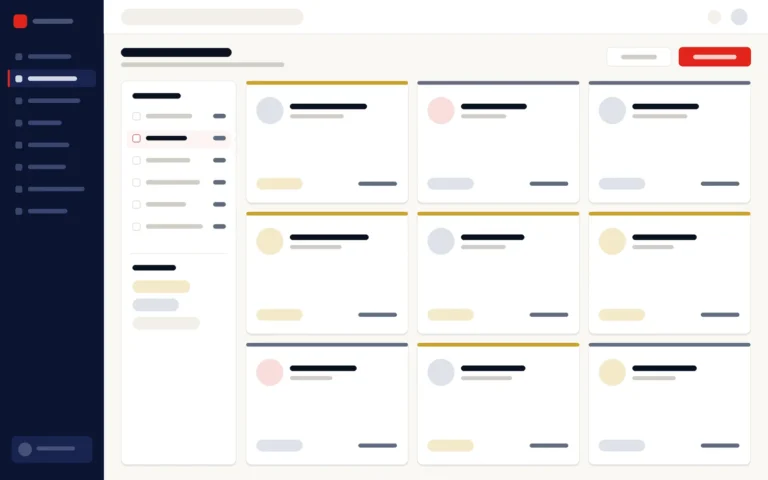
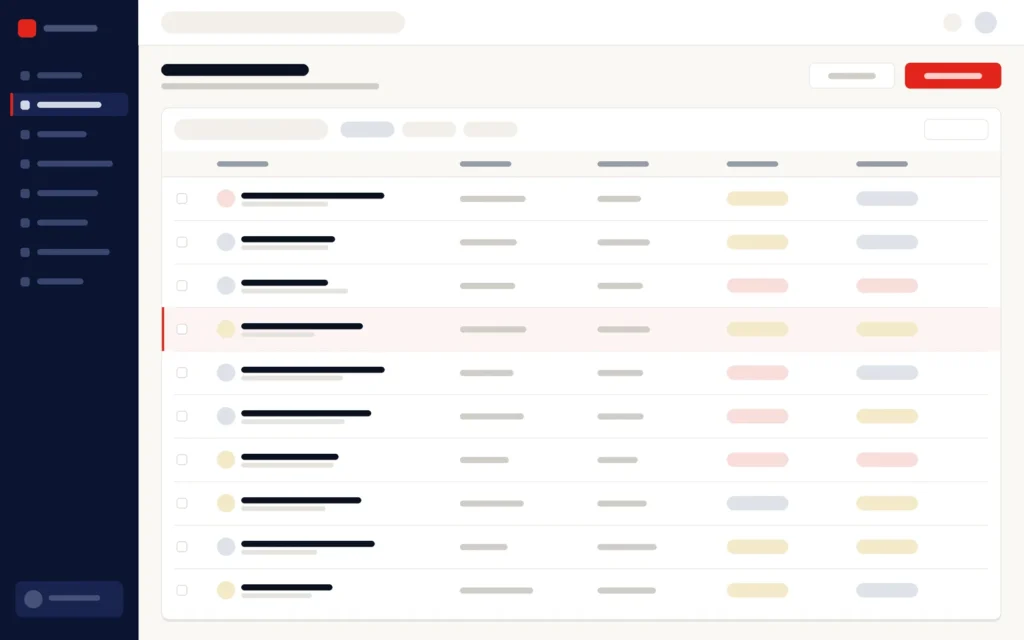
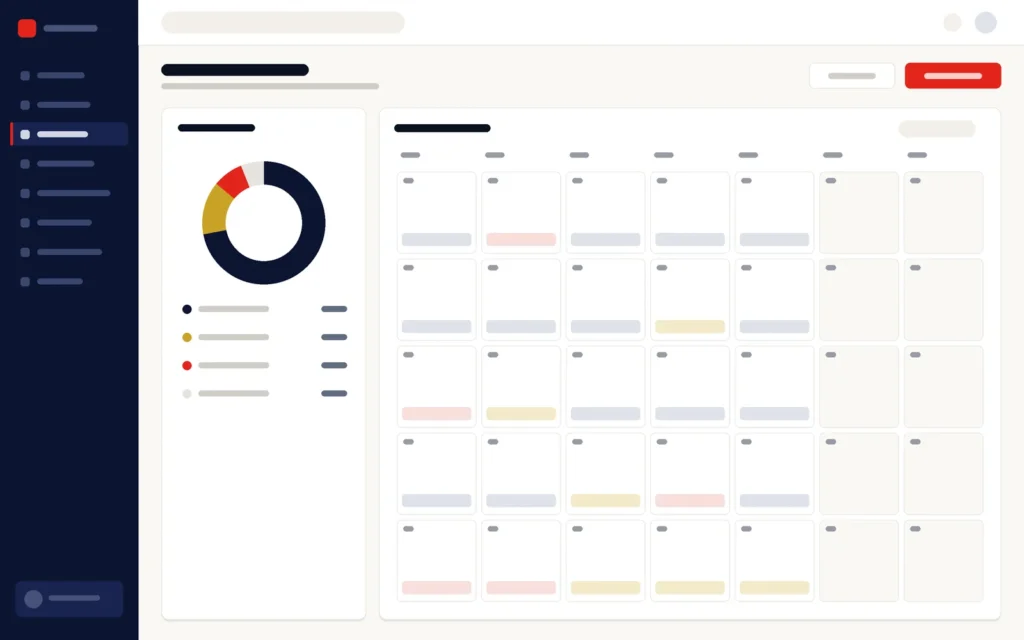
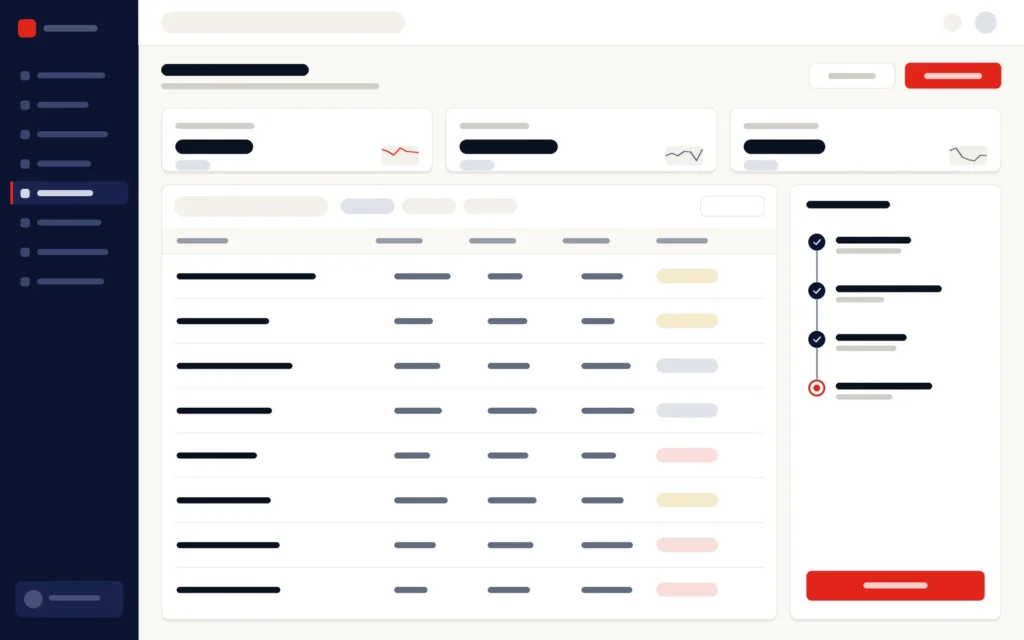
Illustrations of the main screens. Book a demo to see the system itself.
Who it is for
Who is Vero HRM built for?
How implementation works
How does a Vero HRM implementation work?
01
Discovery
Pay structures, allowances, leave policies, shifts and approval lines documented.
02
Configuration
Leave types, entitlements, shifts, pay components and roles set up.
03
Data migration
Employee records, leave balances and payroll history loaded and checked.
04
Pilot & training
One department or site goes live first, with training for HR, payroll and managers.
05
Rollout & support
The rest of the organisation follows, then ongoing support.
Why Ants Creation
Why choose Vero HRM?
Since 2011, Ants Creation has completed 700+ projects for 400+ clients in Sri Lanka and abroad.
Attendance devices
Which attendance devices work with Vero HRM?
Vero HRM imports attendance from any device that can export to Excel, and supported devices update attendance live. Live attendance works with fingerprint and face-recognition devices, tested with Hikvision and Dahua, and live location tracking uses GPS. Attendance then feeds shifts, overtime and the payroll run, from which EPF, ETF and APIT are calculated.
How attendance reaches Vero HRM:
- Excel import from any attendance device that exports to Excel
- Live attendance from fingerprint and face-recognition devices
- Tested with Hikvision and Dahua devices
- Live GPS location tracking
Tell us which devices you use today during discovery, and we will confirm how they connect before configuration starts.
Common questions
Vero HRM: frequently asked questions
What does an HRM system do?
An HRM (human resource management) system keeps employee records, attendance, leave and payroll in one place, so HR administration and salary processing work from the same data. Vero HRM, built by Ants Creation for Sri Lankan organisations, adds EPF, ETF and APIT calculations, employee self-service and attendance imported from devices that export to Excel.
Can we see a demo of Vero HRM?
Yes. Ants Creation gives live demos of Vero HRM on request, online or in person. A demo can follow attendance and approved leave through to a payroll run with EPF, ETF and APIT, so HR and finance can judge the fit together. Ask through the enquiry form, or call or WhatsApp 077 282 0498.
Does Vero HRM calculate EPF, ETF and APIT?
Yes. EPF and ETF contributions and APIT deductions are calculated from the payroll record, and the returns are drawn from the same data, so the figures match what employees were actually paid. Because attendance, overtime and approved leave feed the payroll run, the statutory figures reflect each month’s recorded hours rather than re-keyed numbers.
Can employees apply for leave online?
Yes. Employees request leave and check their balances through Vero HRM’s self-service, where they also view their payslips. Managers approve requests for their own teams, and approved leave flows into attendance and payroll automatically, so HR does not re-enter leave forms before each payroll run.
Can Vero HRM handle shifts and overtime?
Yes. Shifts, attendance capture and overtime calculation are part of the attendance and time module, configured to your shift patterns during implementation, and they feed the payroll run. Attendance can be imported from any device that exports to Excel, and supported devices update attendance live, so overtime is calculated from recorded hours.
Can we move our existing employee data?
Yes. Employee records, leave balances and payroll history are imported and checked before the first payroll run, as a planned step of every Vero HRM implementation. Tell us during discovery where the data is kept today, such as spreadsheets or another payroll system, and the migration is mapped to your pay components and leave types.
Can managers approve leave for their own teams?
Yes. Leave requests go to the employee’s approver, following the approval lines set during configuration, and approved leave updates balances, attendance and the next payroll run automatically. Access in Vero HRM is role-based, so managers handle their own teams’ requests while payroll staff see what payroll needs.
Who can see salary information?
Only the roles you allow. Access in Vero HRM is role-based, so payroll data is limited to payroll staff and authorised managers, and every change is logged. Employees see their own payslips through self-service. Roles and permissions are set up with you during configuration, to match your organisation’s approval lines.
Is Vero HRM only for large organisations?
No. Vero HRM suits any organisation where attendance, leave and payroll take real administrative time, from a single office to retail chains and manufacturers with shift-based staff across several sites. It is configured to the size and structure of your workforce, and implementation starts with one department or site before the rest follows.
Is Vero HRM cloud-based or on-premise?
Both. Vero HRM can run in the cloud or on your own servers, and the choice is agreed during discovery, based on your locations, connectivity and IT policy. Either way, payroll and employee data stay behind role-based access, and you can export your business data from Vero HRM at any time.
Can Vero HRM use our existing attendance machines?
Yes, if the machine can export attendance to Excel: Vero HRM imports attendance from any device that does. Fingerprint and face-recognition devices can also update attendance live, and Vero HRM has been tested with Hikvision and Dahua devices. Live location tracking uses GPS. Tell us which machines you use during discovery, and we will confirm how they connect before configuration.
How is Vero HRM licensed and priced?
Vero HRM is offered as a one-time licence or as a subscription, depending on the project, and it is priced per module and per project. It is quoted free of charge after discovery, once your workforce, pay structures and modules are clear. Whichever model you choose, you can export your employee and payroll data from Vero HRM at any time.
What training do HR and payroll staff get on Vero HRM?
Training for Vero HRM is usually delivered online, with recorded sessions that HR, payroll staff and managers can return to later. During implementation, one department or site goes live first, with training for HR, payroll and managers, before the rest of the organisation follows. The training format for your project is confirmed in the proposal.
Who supports Vero HRM after go-live?
Ants Creation’s own team, which builds Vero HRM. Every project includes a six-month bug-fixing warranty after go-live. After that, ongoing support and maintenance are provided under a service level agreement (SLA) or an annual maintenance agreement, with fees and scope agreed separately, and the agreement sets out what is covered.